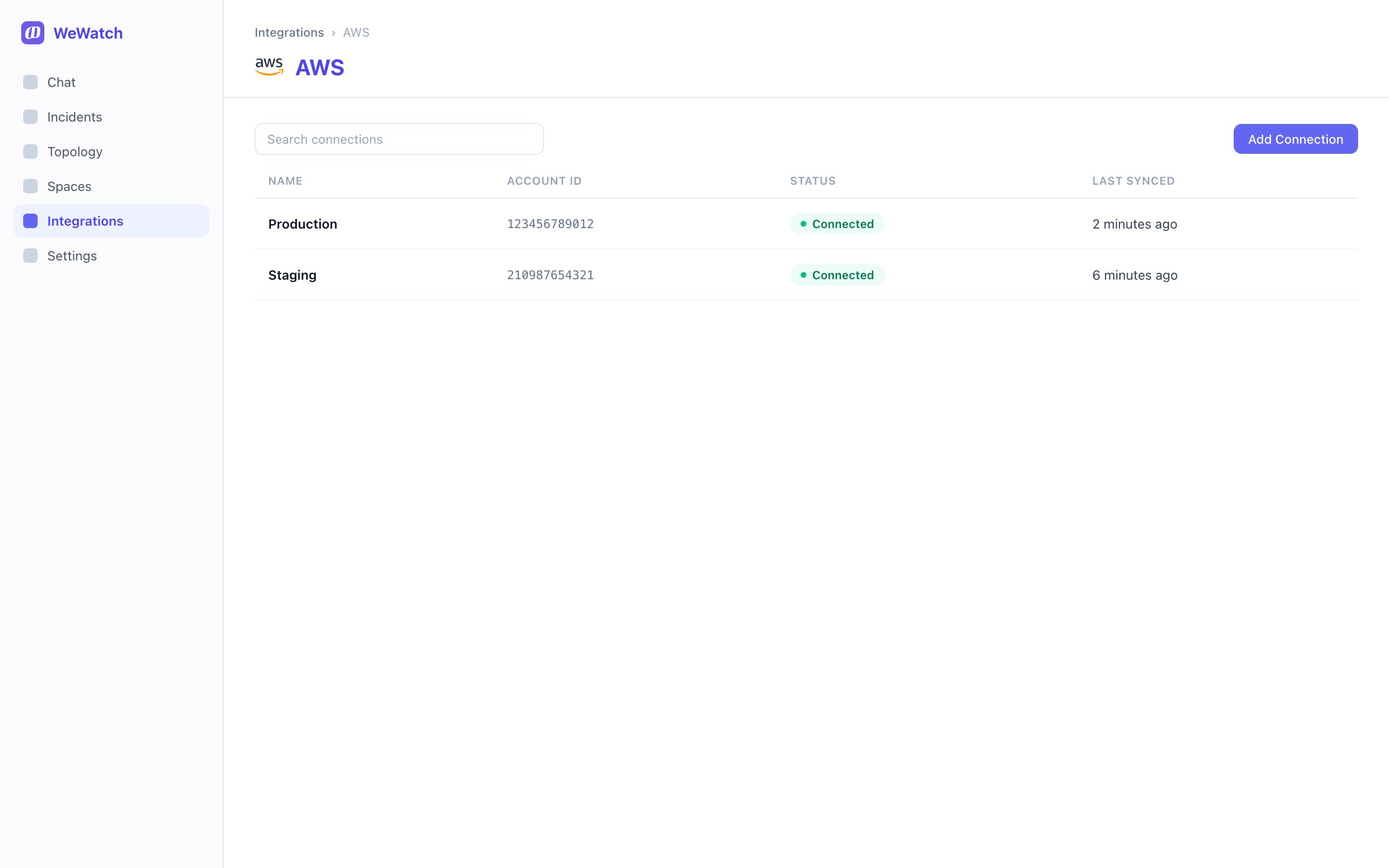
How access works
WeWatch creates a role in your account and assumes it. That means:- Role-based access. No long-term credentials or access keys are stored.
- Read-only. The policy grants describe and list actions, not writes.
- Revocable. Delete the role and access ends immediately.
Connect an account
Open Integrations → AWS. With nothing connected yet, the page offers a single action: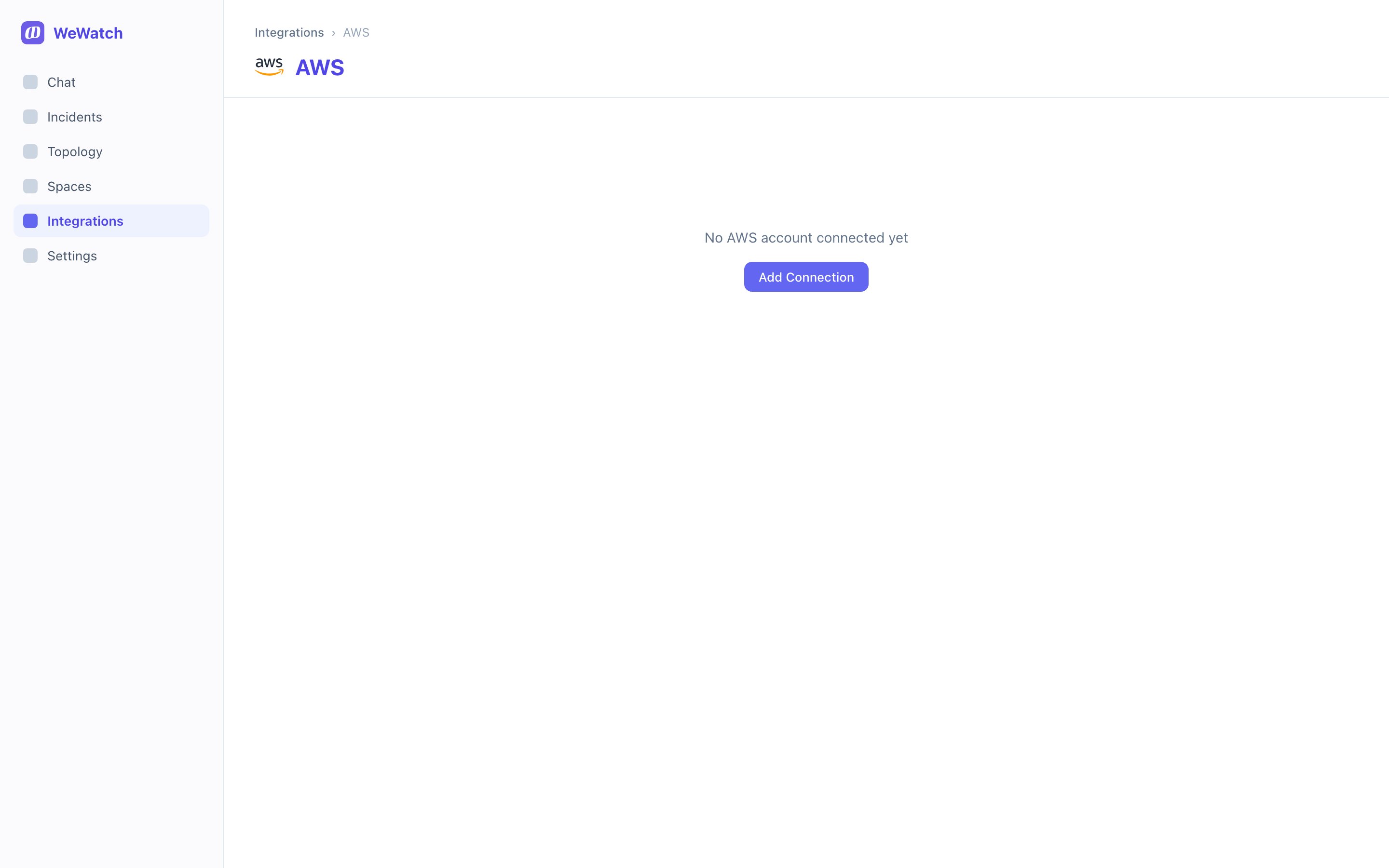
1
Start the flow
Choose Add Connection.
2
Choose what to connect
Select the capabilities you want WeWatch to read and the deployment option
for your environment. WeWatch scopes the generated policies to that
selection.
3
Create the role in AWS
WeWatch shows a trust policy and the managed policies to attach. Create the
role in your AWS account using Custom trust policy, and paste the trust
policy exactly as given — it carries an external ID unique to your
organization.
4
Verify
Paste the role ARN back into WeWatch and choose Verify. WeWatch assumes
the role to confirm it works, then starts the first topology sync.
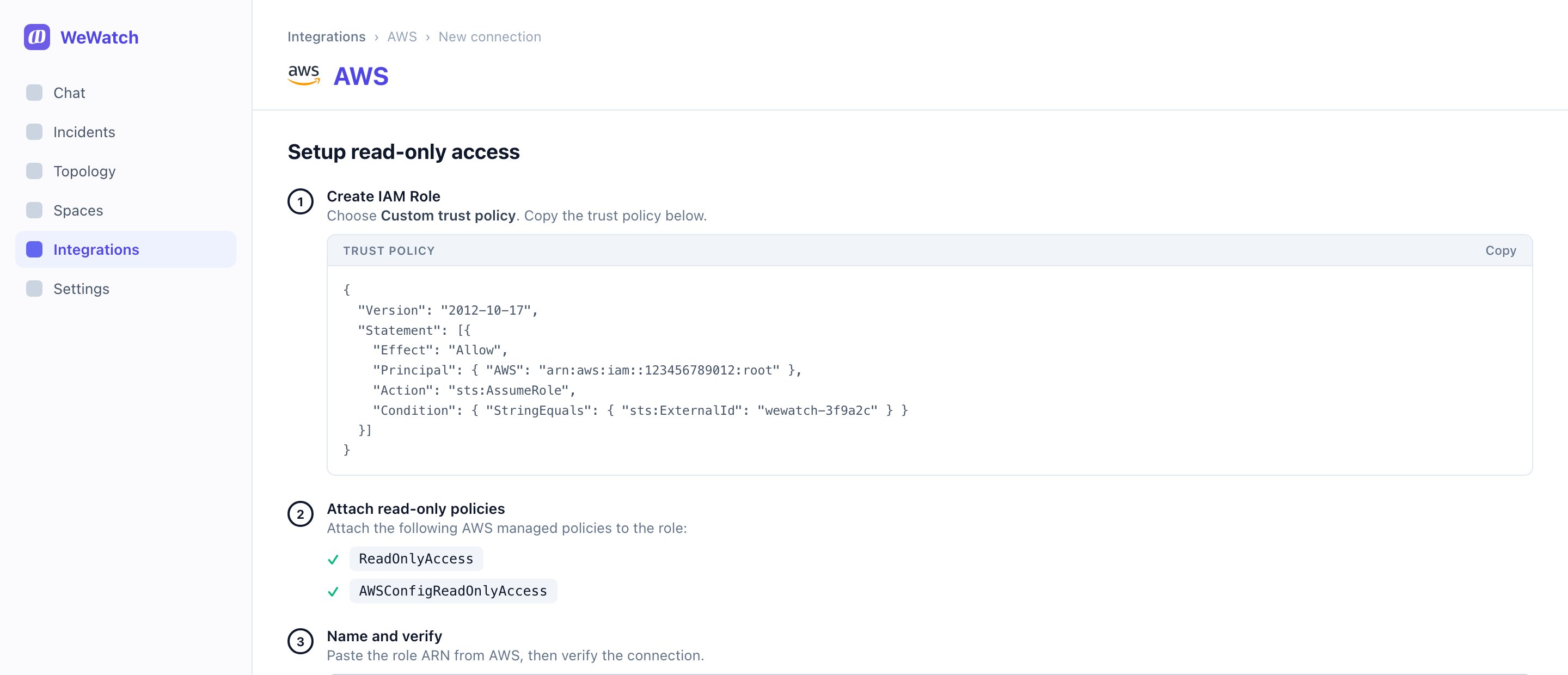
The trust policy’s
sts:ExternalId condition is what stops anyone else from
assuming the role, even if they learn the ARN. Don’t edit or drop it.